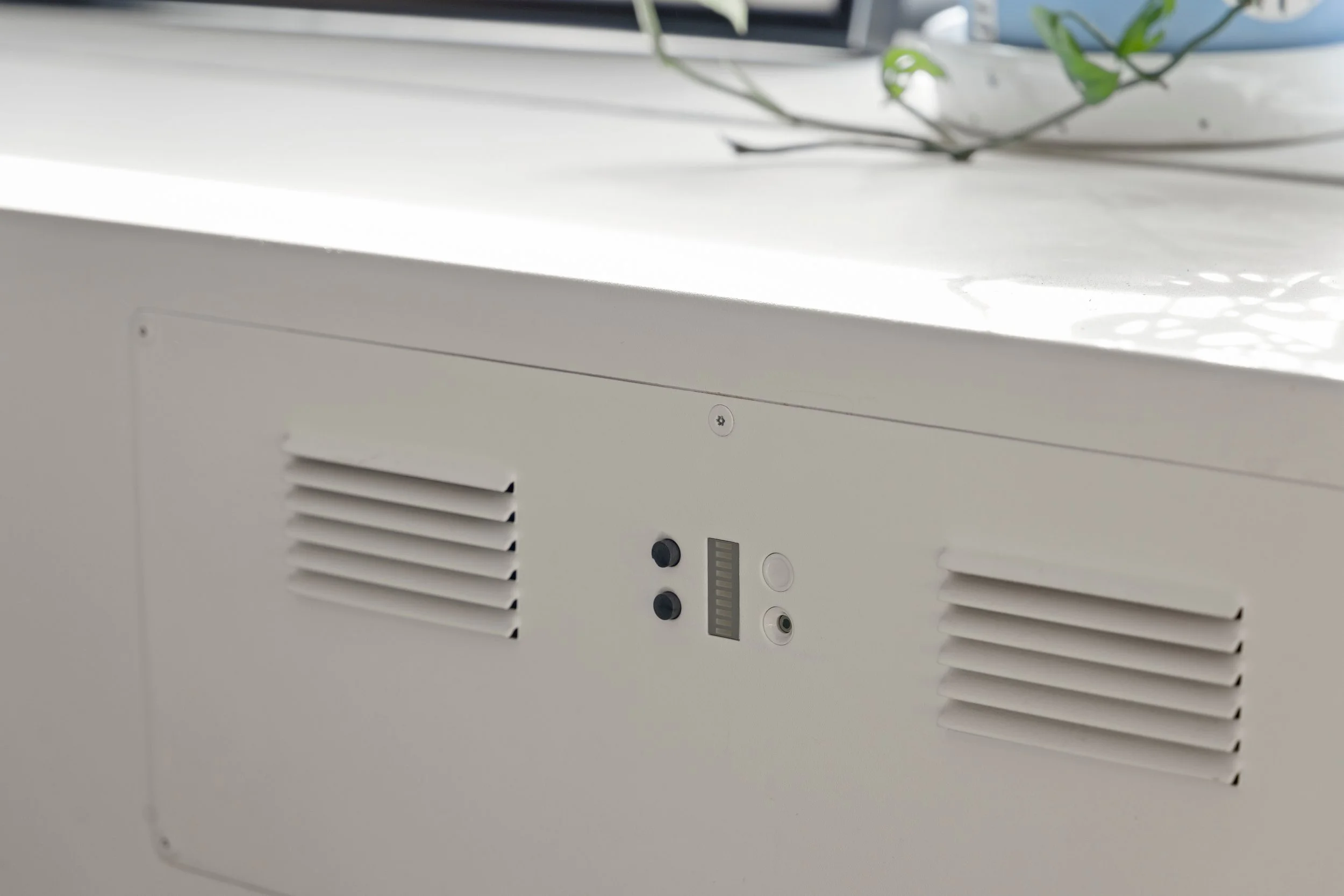
Need some guidance troubleshooting your device?
Check out our videos and tech specs to figure out what’s going on.
Cozy Core Specs
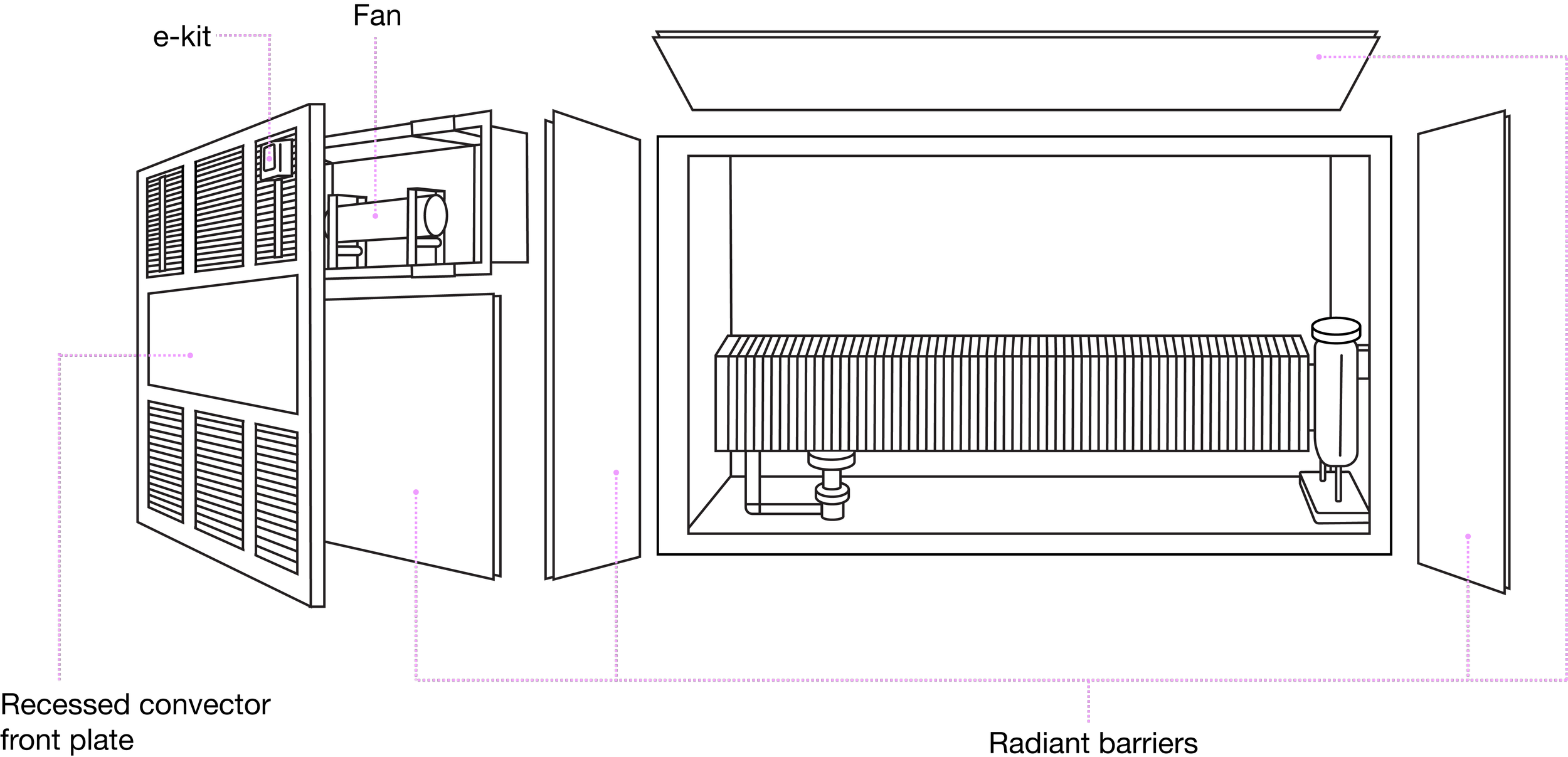
e-kit
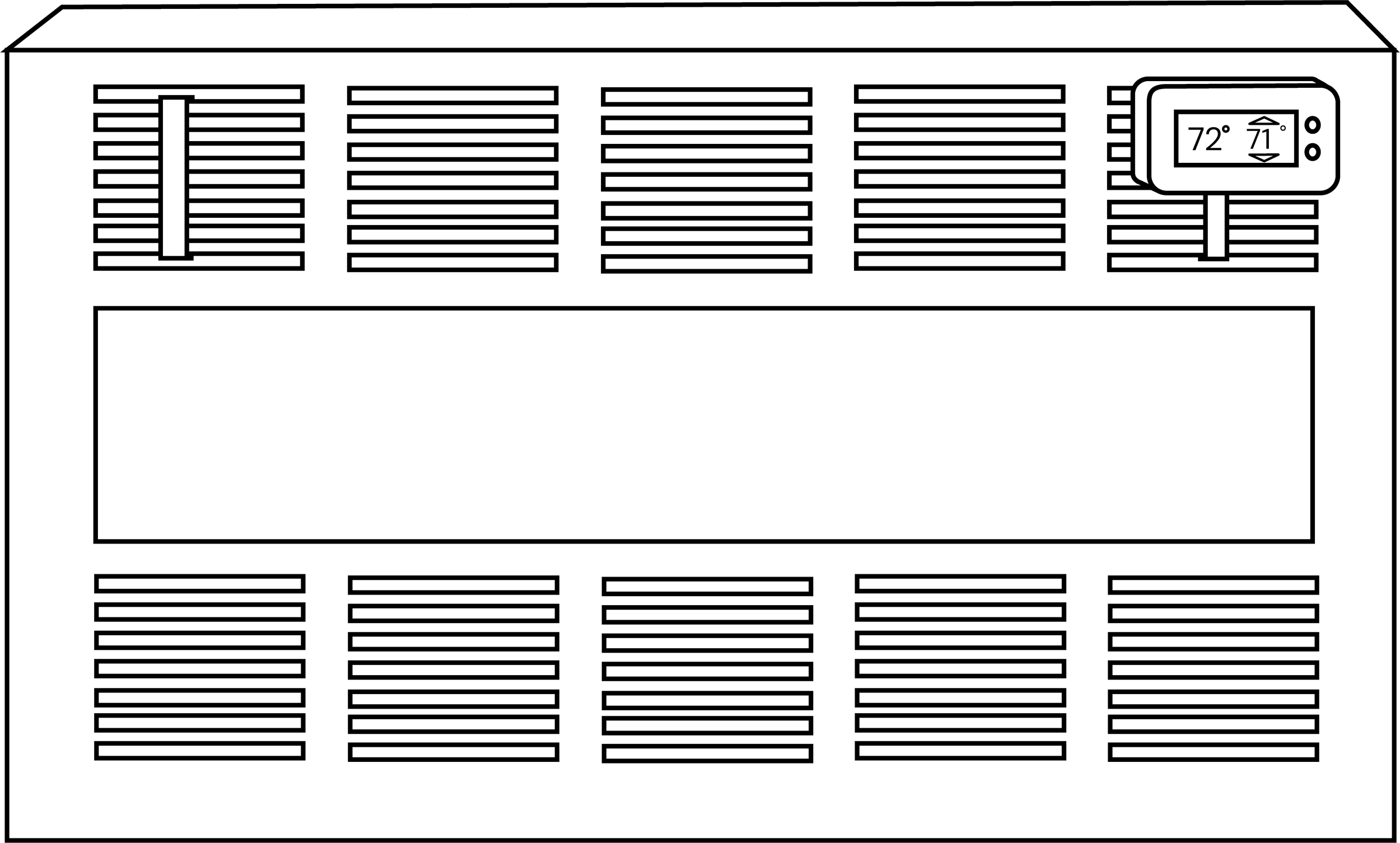
POWER REQUIREMENTS:
Each unit is operated by a single fan requiring 12v DC power. Units consume less than 12 Watts of power at max draw (1A at 12V). This power can be provided via an included AC adaptor, which requires a standard 110VAC outlet within 10 ft of the fan unit, or 12V DC power can be brought to the unit from a UL-Certified building source. If an outlet is greater than 10ft from the unit, an extension cable of AWG 22 or larger, maximum 50ft in length, can be used to bridge the distance.
NETWORK REQUIREMENTS:
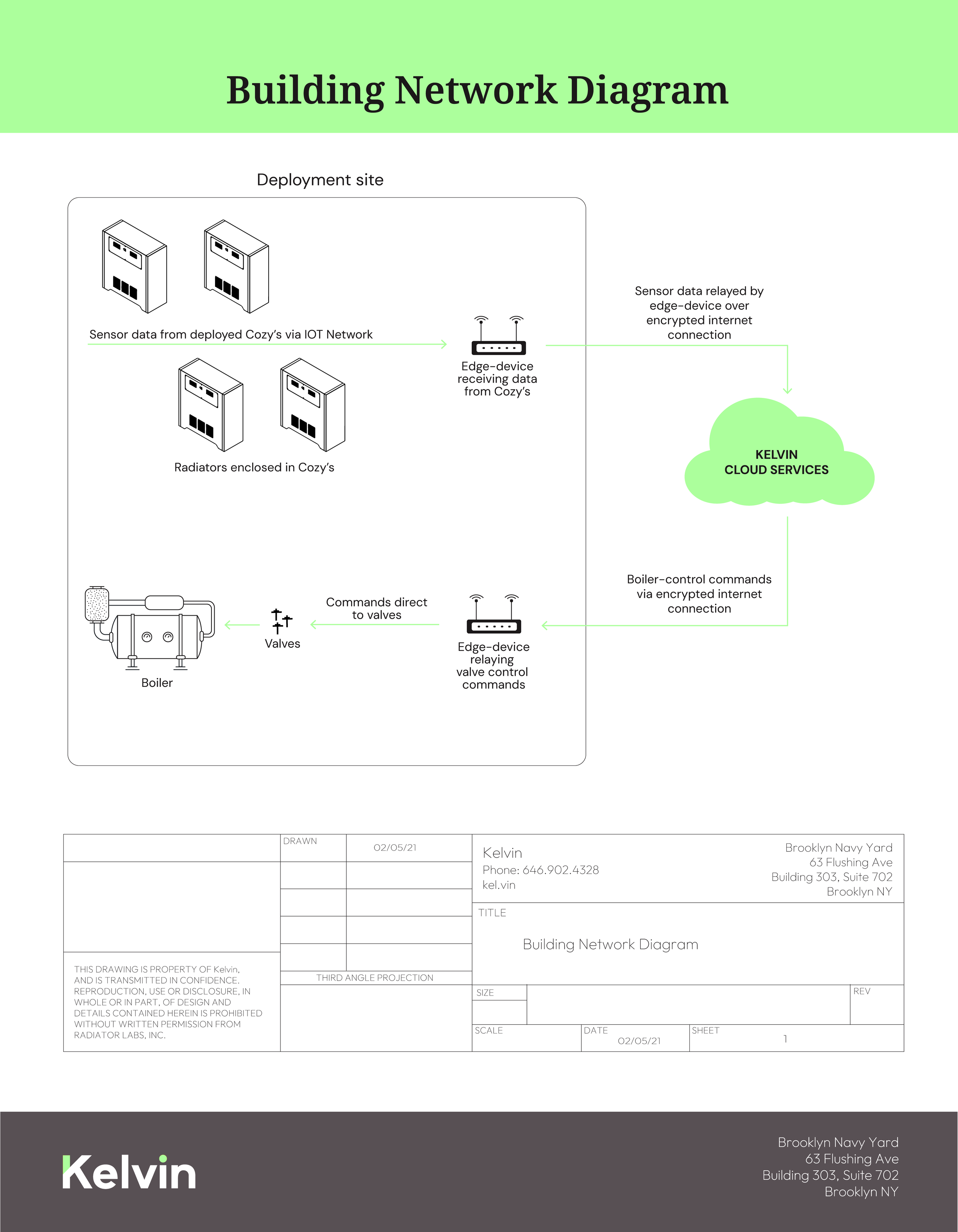
Each unit contains a wireless radio, that requires proximity to an associated network for communication, which will be provided by Kelvin before system installation.
Cozy Custom Specs
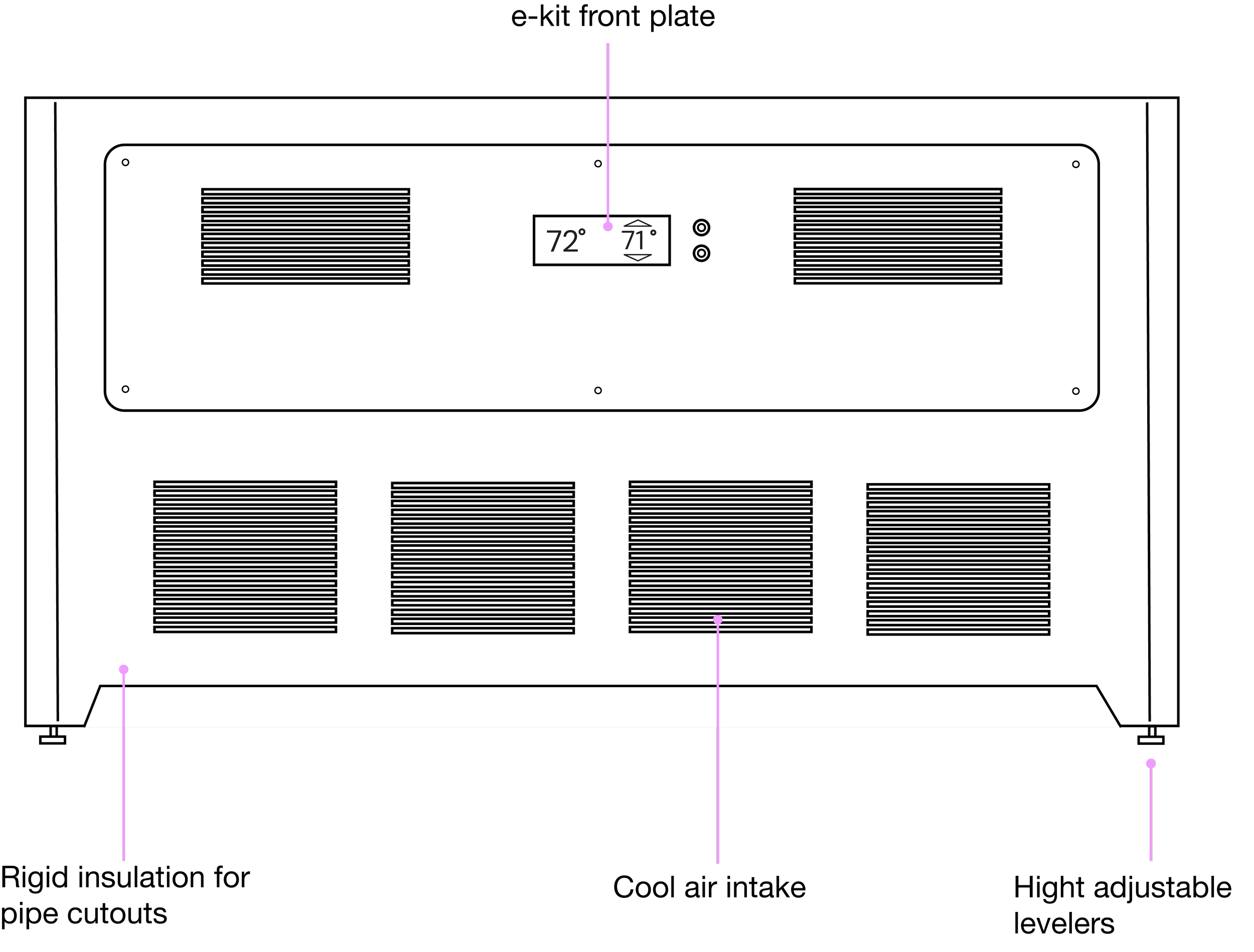
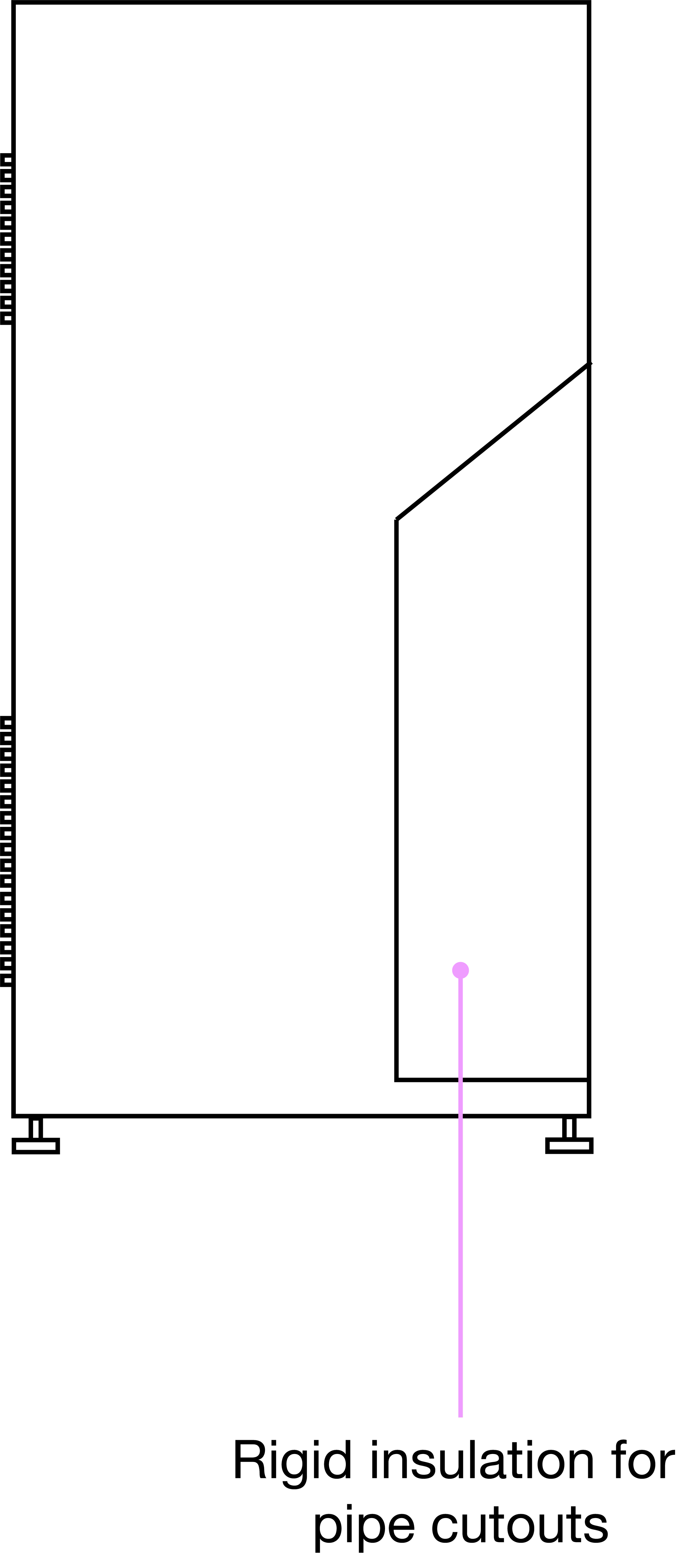
e-kit
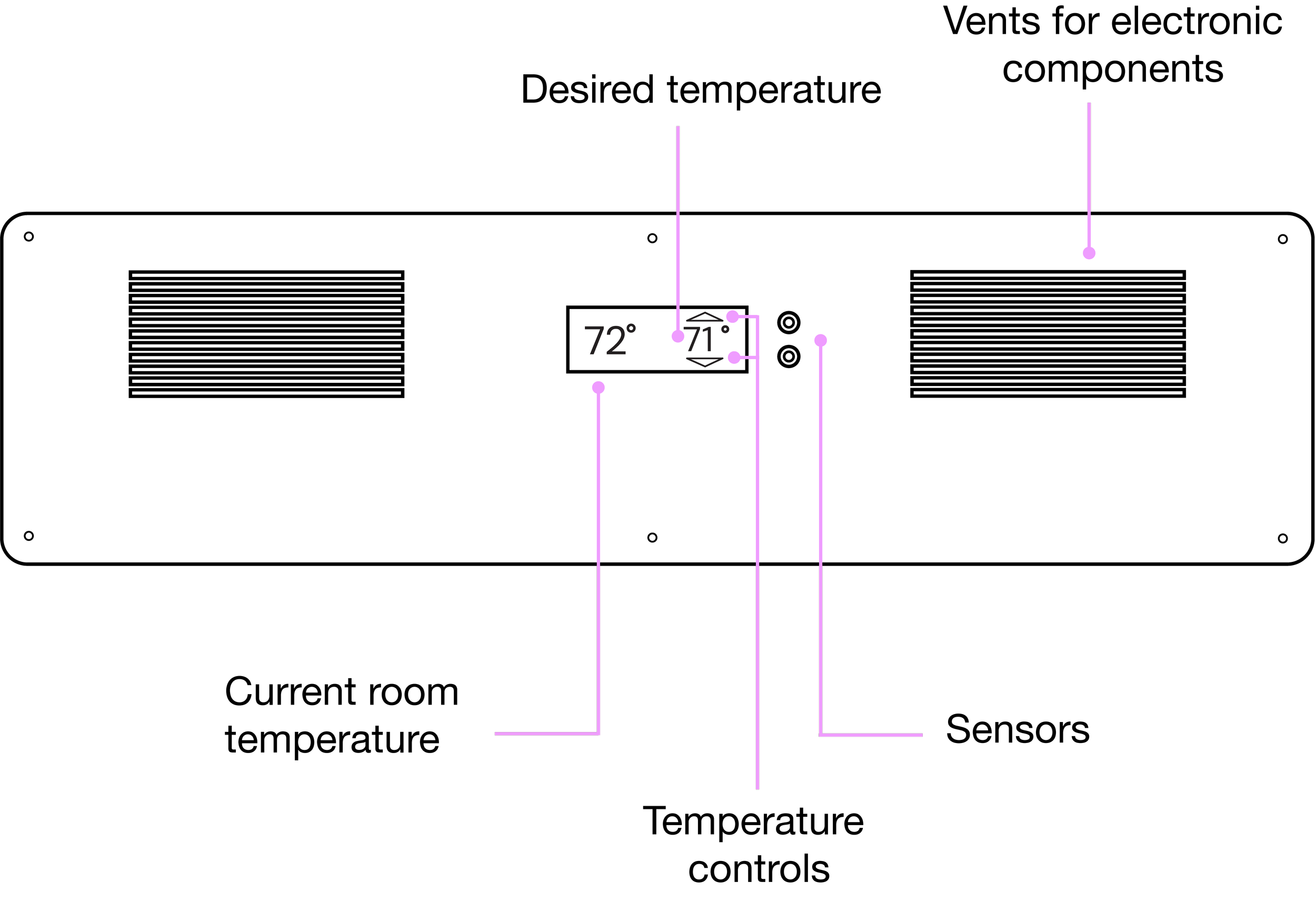
POWER REQUIREMENTS:
Each unit is operated by a single fan requiring 12v DC power. Units consume less than 12 Watts of power at max draw (1A at 12V). This power can be provided via an included AC adaptor, which requires a standard 110VAC outlet within 10 ft of the fan unit, or 12V DC power can be brought to the unit from a UL-Certified building source. If an outlet is greater than 10ft from the unit, an extension cable of AWG 22 or larger, maximum 50ft in length, can be used to bridge the distance.
NETWORK REQUIREMENTS:
Each unit contains a wireless radio, that requires proximity to an associated network for communication, which will be provided by Kelvin before system installation.
Troubleshooting your Cozy Core and Custom:
Make sure it is plugged in
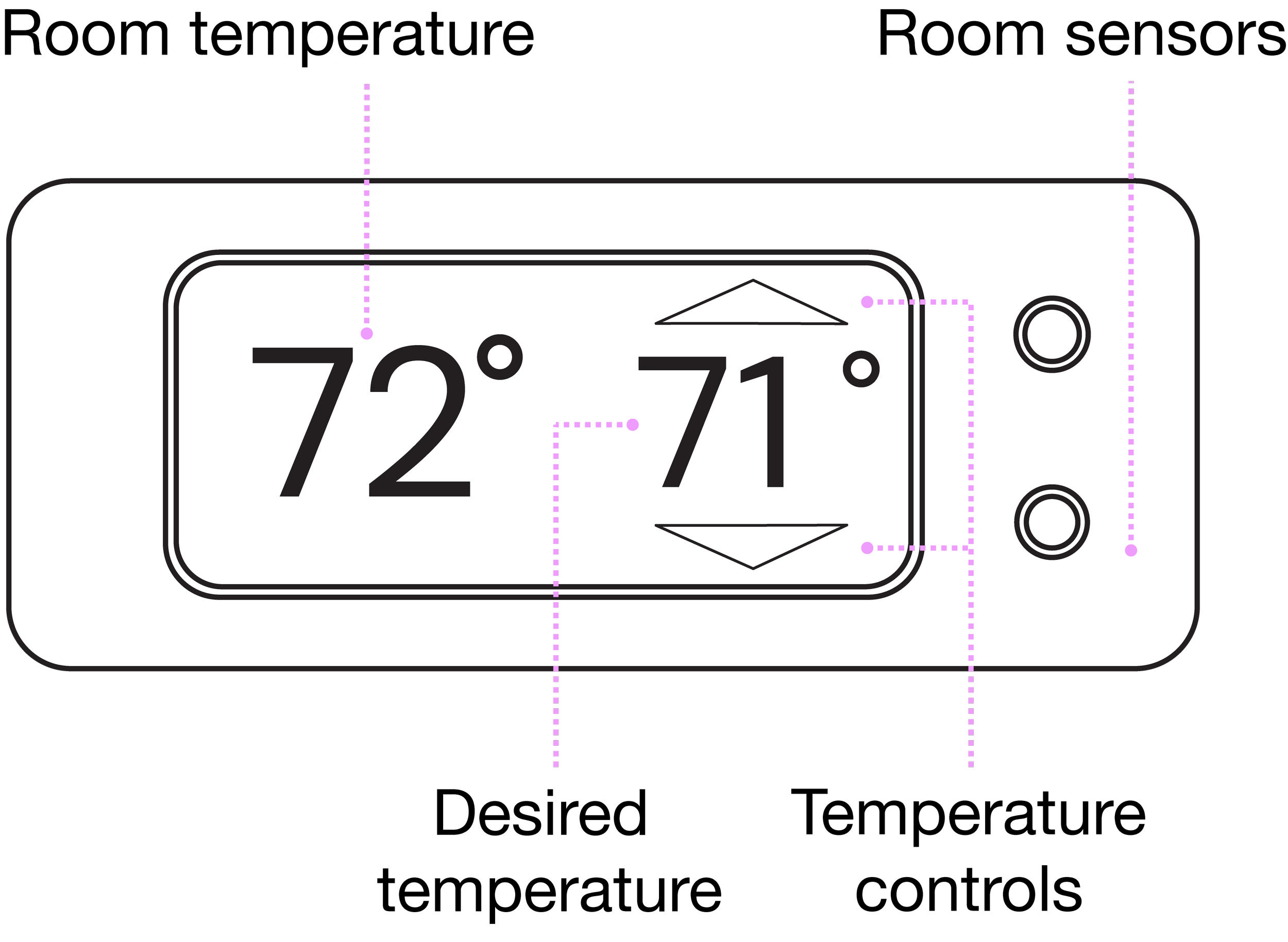
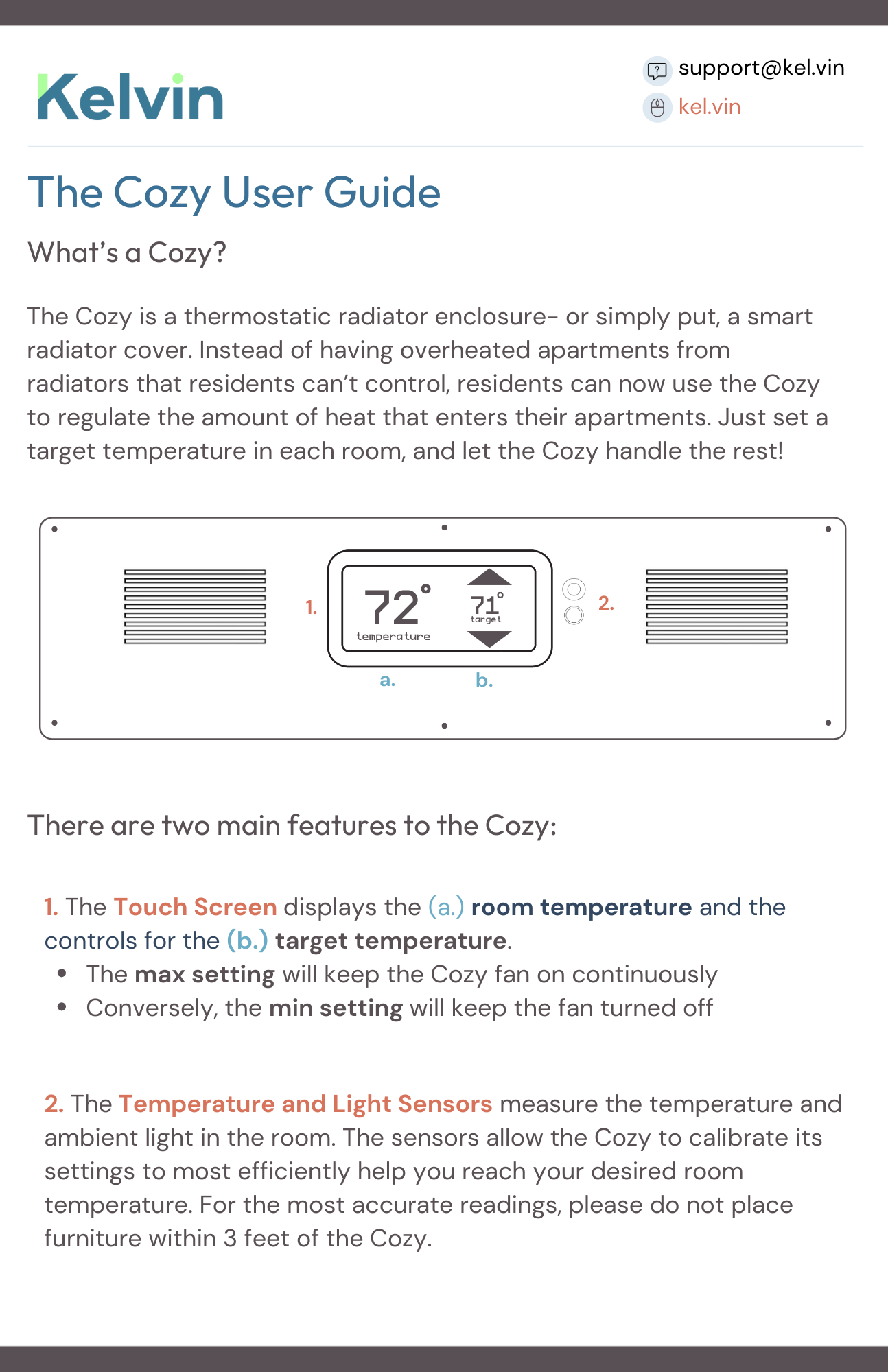
The e-kit takes a moment to respond. Please be patient when adjusting the temperatures as to allow the touch screen to calibrate
Understand that heat is only available when the building’s boiler is on
Set your desired temperature to 84 degrees if you want to release 100% of the heat from your radiator
Set your desired temperature to 68 degrees if you want to keep the heat from your radiator trapped inside
If you’re still having trouble with your device after following these steps, please contact your building super or create a customer support ticket and we will get back to you shortly.
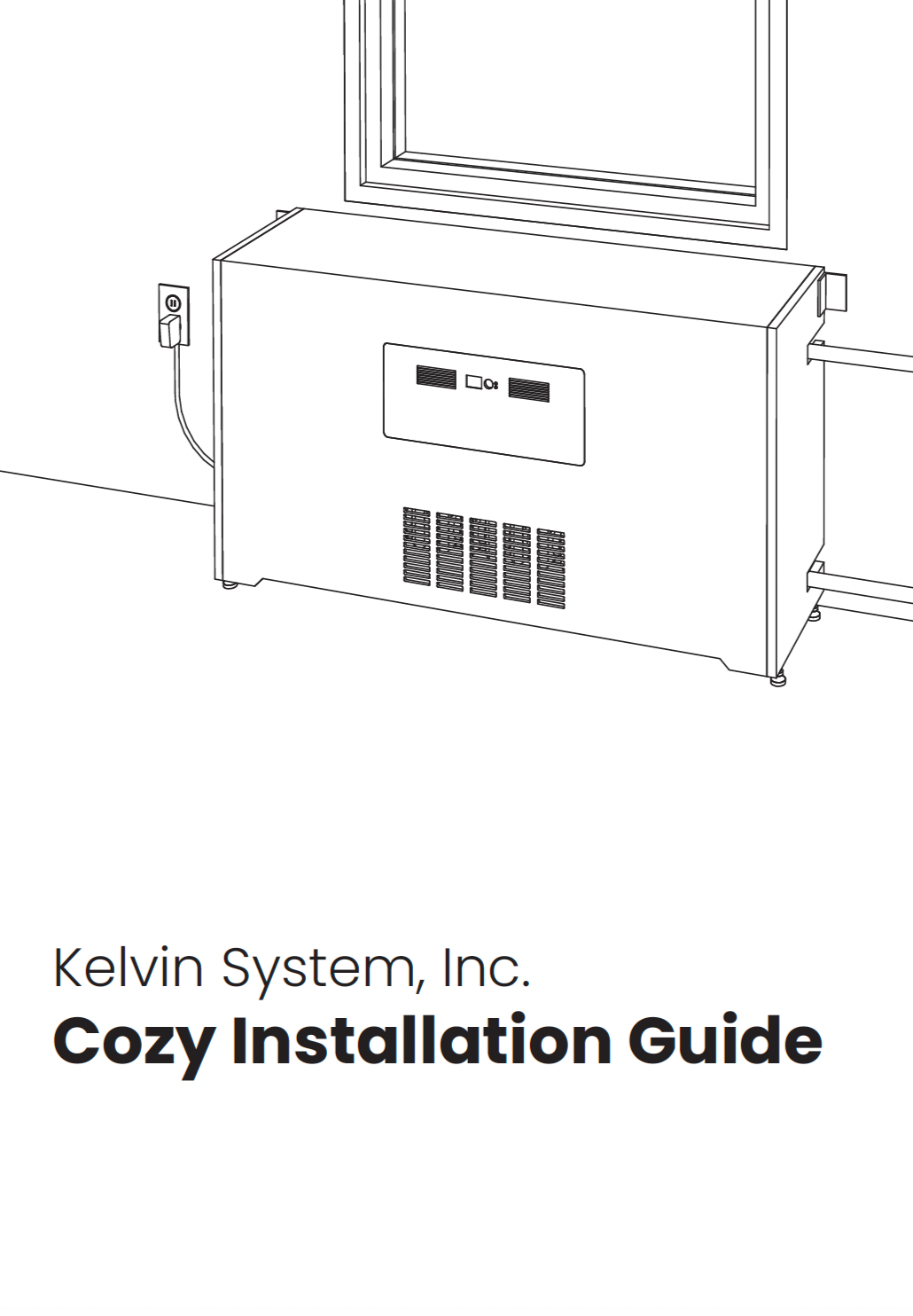
Owner Documents